



Windows / macOS / Linux

a9a icon

a9a

Get your audio assets into shape, in bulk. Built in Rust.

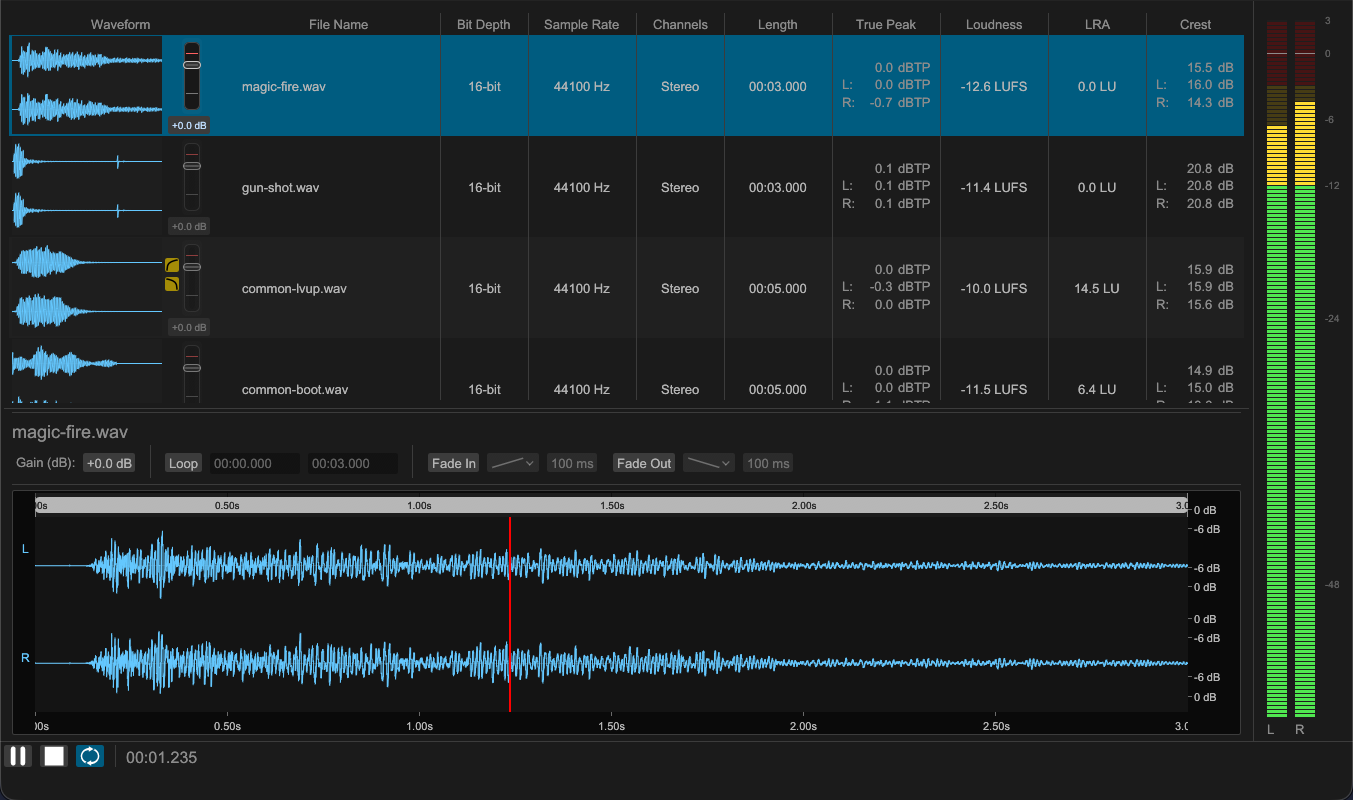
a9a gets your audio assets, from sound effects to voice and music, ready to use. Compare files by waveform and loudness, adjust gain, loudness, fades, and loop points, and export to the format you need. The same processing runs in the GUI and the CLI, so it carries from checking a single file to bulk runs and automation.

Key Features

Core capabilities

See everything at a glance

Lay files side by side and compare their waveforms and loudness. Spot an outlier or an uneven level without opening each file.

Loudness and gain

Match loudness to a target and adjust gain. The volume differences between assets go away, so everything plays back at a consistent level.

Fade in and out

Set fades with a choice of curves. It smooths the start and end, avoiding clicks and abrupt cut-offs.

Loop points

Set the loop start and end points, so background music and ambience repeat seamlessly.

Requirements

System requirements

Supported OS

Windows 11
macOS Monterey or later
Linux glibc 2.34 or later (x86_64 / aarch64)

On Linux, only the CLI is available.

Screenshots

a9a Main window

Main window

The main GUI window for checking, adjusting, and exporting audio files.